













All your windows. In one move.
Hold ⌥ and press Tab: every window shows up, even the minimized ones. Type a few letters to find one.
Your notch. Finally useful.
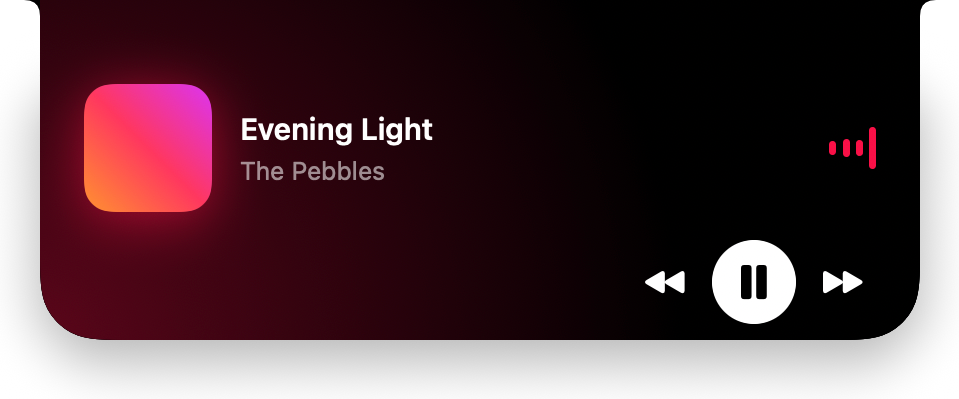
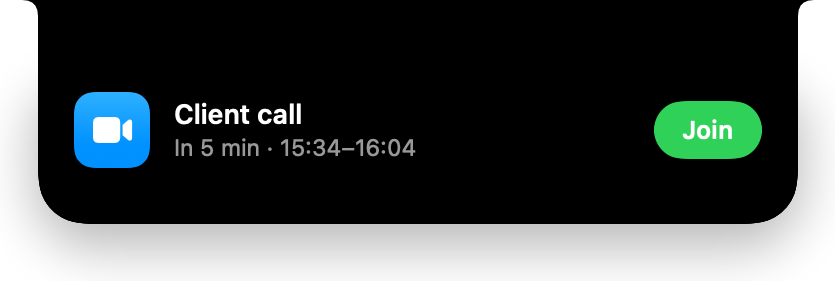
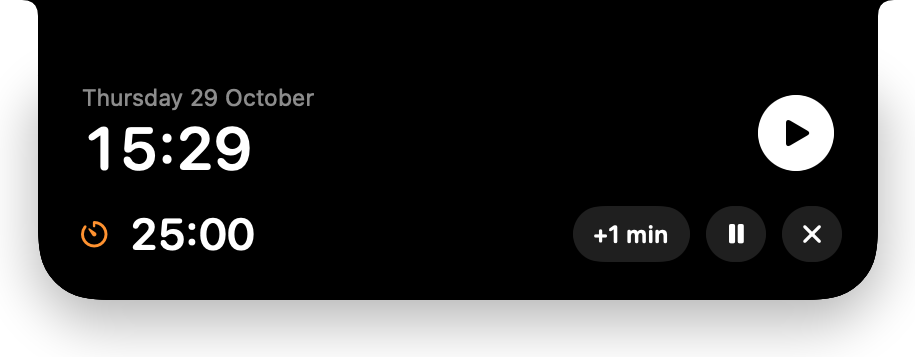
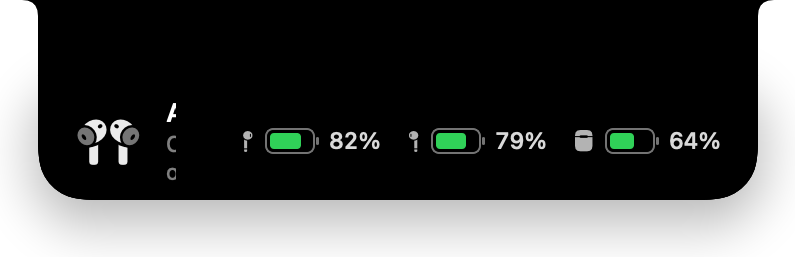
Your music, your AirPods, your next meeting and a timer, right under the camera. Drop a file on it to keep it close.
Drag a file. Transform it.
Press ⌃ while you drag it, then drop it on the wheel to convert, compress or edit it. No more uploading your files to some website: it all happens on your Mac.
Light by nature.
And everything else. Right where you expect it.
Dock previews
Hover an icon: the app's windows show up, large. One click to switch, tile them or mute the app.
Snap your windows
⌃⌥ ← or ⌃⌥ →: half the screen. ⌃⌥ ↑: full screen. ⌃⌥ ↓: back to the previous size.
Volume per app
Turn down a video without touching your music, from Jumpi's menu or right from the Dock.
Cut and paste in Finder
⌘X then ⌘V moves a file. Return opens it, F2 renames it.
New file
Right-click in a folder, then New: a Word, Excel or text document.
Quit on close
Closing an app's last window quits it too, just like on a PC.
Home and End
The ↖ and ↘ keys jump to the start or the end of the line.
Mouse wheel, the right way
Your mouse wheel scrolls like on a PC. The trackpad stays just as it is.
Windows reflexes. Mac manners.
Jumpi doesn't change your Mac. It adds what was missing, right where you expect it. Every tool turns on or off with one click in its menu, so you only keep what you use.
Before you ask.
01Will it drain my battery?
No. At rest, Jumpi uses 0.1% of the CPU: it waits for you instead of checking in a loop.
02Which permissions does it need?
Accessibility, for the shortcuts and the windows. Screen Recording, for the window previews. Calendar, only if you want your next meeting in the notch.
03Where does my data go?
Nowhere. Your files and data stay on your Mac. Jumpi only contacts our website to check for updates.
04Which Macs does it run on?
Any Mac running macOS 14.2 or later. The notch works on screens without one too, with a notch drawn at the top of the screen.
05How much is it?
€13.99 once at launch, no subscription. The license covers 2 Macs and all version 1 updates, and you can try Jumpi free for 7 days.
One jump, and you're off.
€13.99one payment, no subscription. License for 2 Macs, all version 1 updates included, 7-day free trial.